
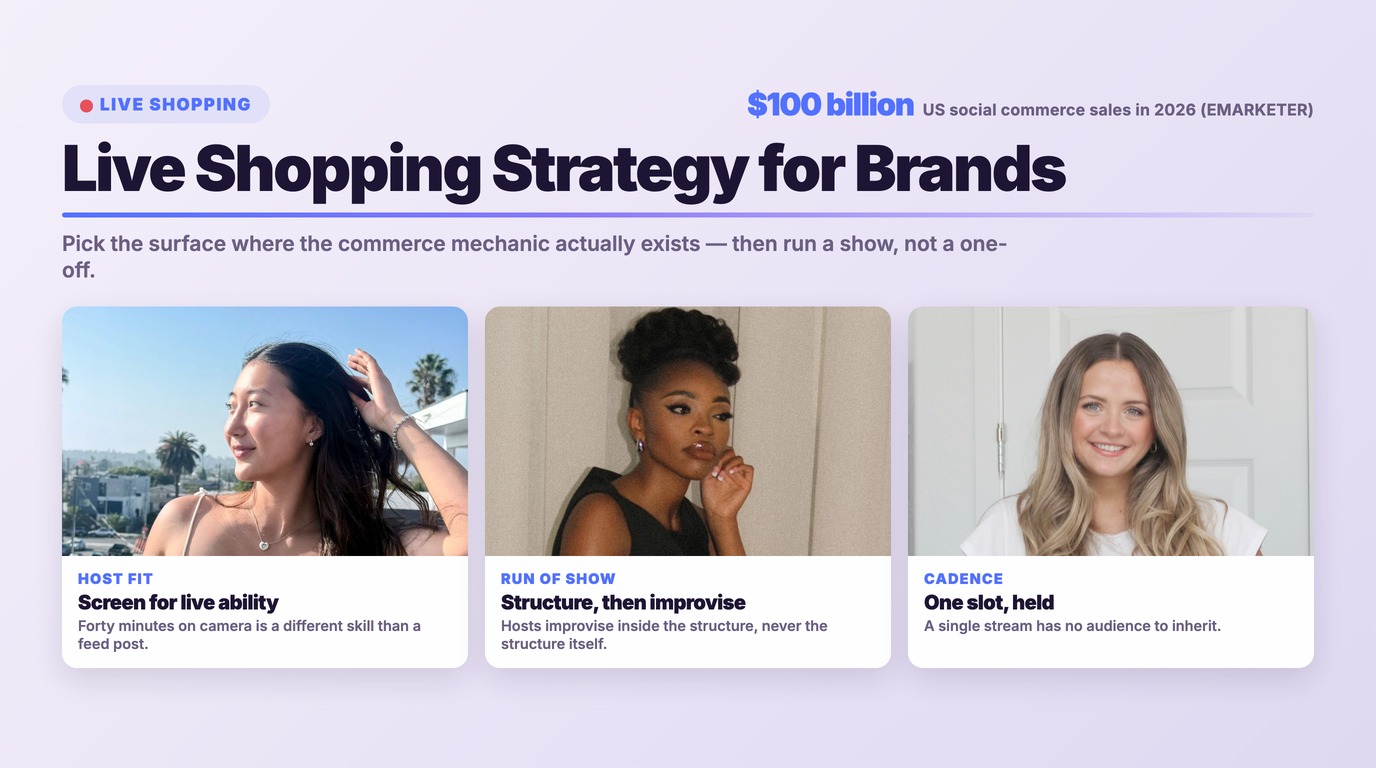




US social commerce sales will surpass $100 billion in 2026, according to EMARKETER's forecast. Live shopping is the slice of that number most brands have budgeted for and least know how to run — because the question stopped being "should we go live?" and became "live on which surface, and what happens in the forty minutes the camera is on?"
That second question is where most live shopping programs fall apart. Brands pick a platform based on where their audience already follows them, discover the commerce mechanics do not exist there, and end up with a livestream that is really just a video with a link in the caption.
This guide is deliberately narrow. It skips the "what is social commerce" groundwork — our complete guide to shoppable video and social commerce covers that — and goes straight at the operational layer: which platforms currently support live shopping mechanics, how to build a run of show, who should host, how often to stream, and what to do with the recording afterward.
What This Guide Covers
- Where live shopping actually works in 2026
- The three show formats worth running
- Choosing hosts: creator, in-house, or both
- Building a run of show
- Cadence: why one-off streams fail
- What to measure
- The replay is the asset
- Five pitfalls that kill live programs
- Where partnrUP fits
- Frequently asked questions
Where Live Shopping Actually Works in 2026
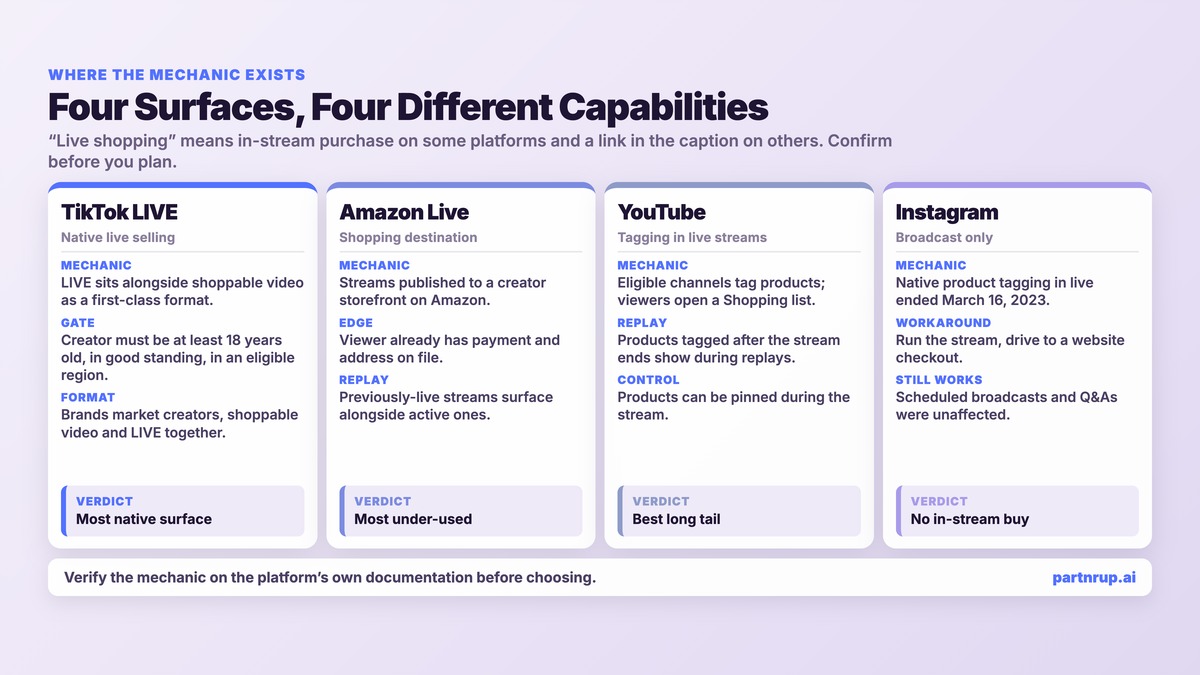
"Live shopping" is not one capability. On some platforms it means products are tagged inside the stream and viewers buy without leaving. On others it means you are broadcasting and hoping people type a URL. The difference is enormous, and it is the first thing to establish before any strategy work begins.
TikTok LIVE
TikTok is the surface where live selling is most native. The platform markets its own shopping stack around three things — creators, shoppable video, and LIVE — and LIVE sits alongside video as a first-class commerce format rather than an add-on.
Eligibility is where brands get surprised. TikTok's own documentation for LIVE monetization states that creators must be at least 18 years old (19 in South Korea), must maintain an account in good standing and comply with platform rules and Community Guidelines, and must reside in a region where the relevant monetization features are available. TikTok also notes that access is layered: a creator must be eligible to go LIVE and have access to LIVE Gifts before they can collect Diamonds. Certain account categories — government, politician, political party, and some public-interest accounts — may not be eligible for some monetization features.
The practical consequence for a brand: your preferred creator may be a perfect audience fit and still be ineligible to host the kind of stream you are planning. Verify eligibility before you build a calendar around someone. Our guide on how brands are winning on TikTok Shop covers the catalog and affiliate groundwork that has to exist before a LIVE session can sell anything.
Amazon Live
Amazon Live is the surface most brands under-use, largely because it does not look like social media. It is a shopping destination with livestreams attached rather than a social feed with commerce bolted on — the viewer is already in a buying context, with a payment method and address on file.
The creator side runs through the Amazon Influencer Program, which Amazon describes as giving creators a personalized storefront page on Amazon where they can publish livestreams, shoppable photos, and videos, and earn commissions on qualifying purchases. Amazon also says selected members may qualify to be featured across the Amazon site.
Amazon Live itself organizes streams into browsable category channels — Deals, Lifestyle, Electronics and others — and surfaces both currently-live and previously-live content. That second detail matters more than it sounds: a stream on Amazon Live does not evaporate when it ends.
YouTube live product tagging
YouTube supports product tagging inside live streams for eligible creators. Per YouTube's own Help Center, eligible creators can tag their own products or products from other brands, and to tag products from other brands a channel must meet the eligibility requirements for YouTube Shopping. Viewers select a Shopping control to see the tagged list.
Two mechanics are worth building into your run of show. First, products can be pinned during a stream, so you can spotlight one item at the moment the host is demonstrating it. Second — and this is the one brands miss — YouTube states that you can tag products after a live stream ends, and the newly tagged products will show during replays. The long tail is taggable retroactively.
What happened on Instagram and Facebook
Instagram's native live product tagging is gone. Meta discontinued the ability to tag products during Instagram live broadcasts on March 16, 2023, following the shutdown of Facebook Live Shopping the previous October; Meta's stated reasoning at the time, as reported by Hootsuite, was to "focus on products and features that provide the most value to our users." Other live features, like scheduled broadcasts and Q&As, were unaffected.
Meta's Business Help Center does still document live shopping tools for selling products on Facebook Live, including pinning products in Live Producer. If you intend to run a Facebook Live selling session, confirm the current availability of those tools for your account and region directly in Commerce Manager before planning around them — this is the single fastest-moving area of the whole category.
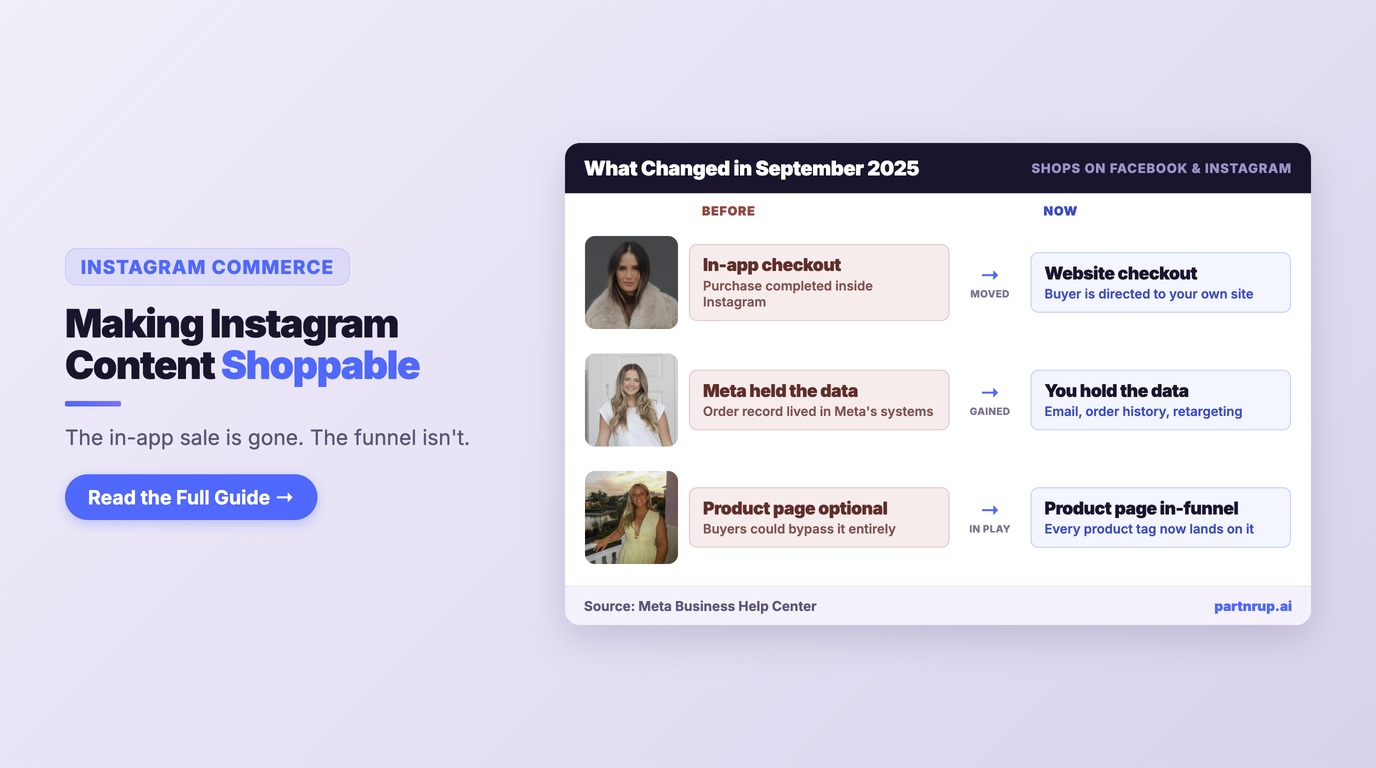
For Instagram specifically, the realistic 2026 play is a live broadcast that drives to a website checkout rather than an in-stream purchase. Our guide to making Instagram content shoppable walks through what that looks like.
The Three Show Formats Worth Running
Nearly every successful live shopping program is a variation on one of three formats. Pick one and run it repeatedly rather than inventing a new concept every time.
The product deep-dive. One SKU or one tight family of SKUs, thirty to forty-five minutes, heavy demonstration. This works for anything with a feature set that a product page explains poorly — kitchen equipment, tools, skincare routines, technical apparel. The host's job is to answer the objection the product page cannot.
The drop or deal event. Scarcity plus a clock. A limited release, a bundle that exists only during the stream, or a price that expires when the stream does. This format produces the sharpest conversion spikes and the worst retention — viewers arrive, buy or do not, and leave. Build for that rather than fighting it.
The recurring show. Same host, same slot, same rough structure every week. Conversion per stream is usually lower than a drop event, but audience compounds and the content library compounds with it. This is the format that turns live shopping from a campaign into a channel.
Most brands should start with product deep-dives, graduate to a recurring show once a host is working, and use drop events as punctuation.
Choosing Hosts: Creator, In-House, or Both
Live is unforgiving in a way that edited content is not. There is no second take, no colorist, no one to cut the eight seconds of silence. The host is the product.
A creator host brings an existing audience, platform fluency, and credibility that reads as independent. They also bring their own eligibility status, their own calendar, and their own opinion about your product — which is the point, and which is also the risk. The vetting criteria that matter for live are not the ones that matter for a feed post: you are screening for the ability to hold a camera for forty minutes, handle a hostile comment gracefully, and improvise when the demo fails.
An in-house host brings product depth no creator can match and total scheduling control. They typically bring no audience, which means every stream depends on paid promotion or platform surfacing.
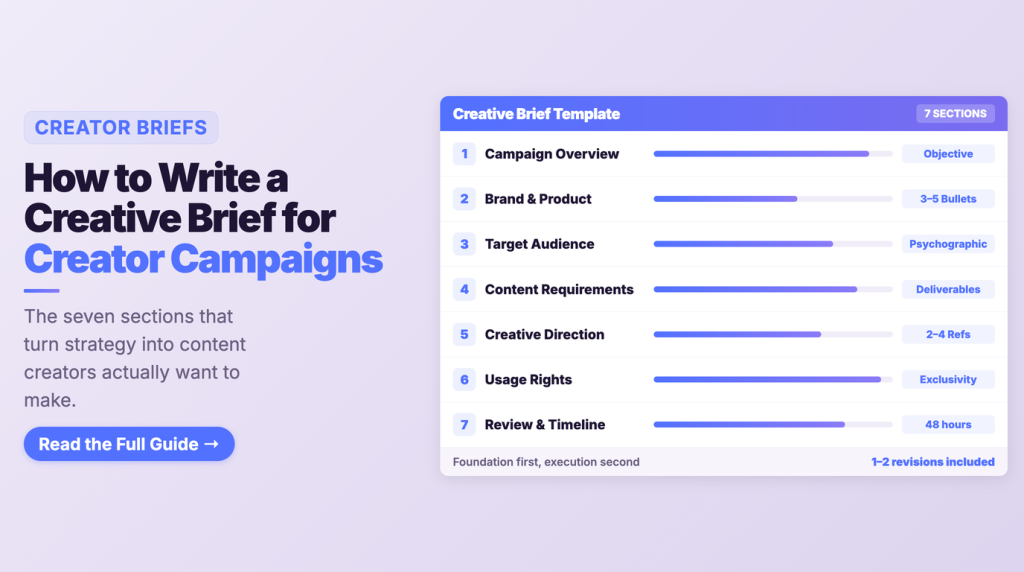
The strongest programs run both: in-house subject-matter experts anchoring a recurring show, with creator hosts brought in for reach moments and category credibility. If you are building a creator roster for this, the screening and brief work is the same discipline as any other creator program — our guides on building a creator commerce strategy from scratch and writing a creative brief for creator campaigns apply directly.
Building a Run of Show
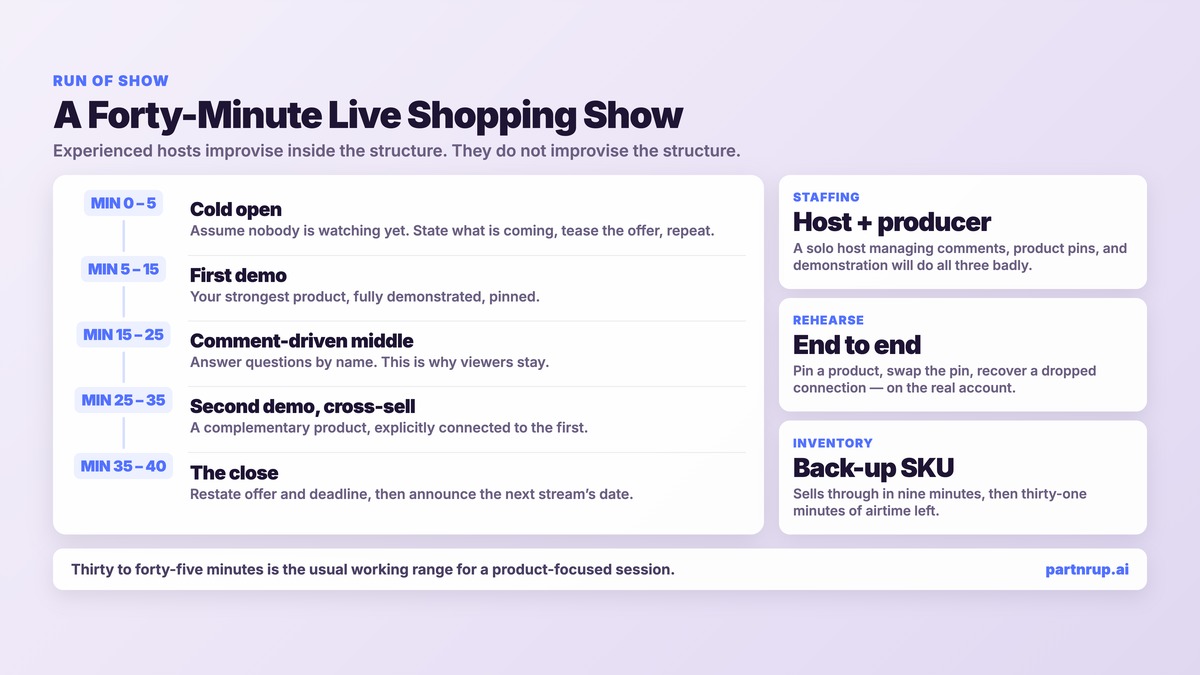
A run of show is a minute-by-minute script for a format that is supposedly unscripted. Experienced hosts improvise inside the structure; they do not improvise the structure.
A workable forty-minute template:
Minutes 0–5, the cold open. Assume nobody is watching yet. Platforms take several minutes to surface a new stream, and early viewers arrive mid-sentence. Open with a loop: state what is coming, tease the offer, repeat. Do not lead with your best demo.
Minutes 5–15, the first demo. Your strongest product, fully demonstrated, with the item pinned. This is where the majority of viewers who will ever see the stream are present simultaneously.
Minutes 15–25, comment-driven middle. Answer questions by name. This is the part that cannot be replicated in edited content and the reason viewers stay. Have a producer surfacing comments so the host is not reading chat and demonstrating at the same time.
Minutes 25–35, second demo and cross-sell. A complementary product, explicitly connected to the first.
Minutes 35–40, the close. Restate the offer, restate the deadline, tell people exactly what to tap. Then announce the next stream's date and time before signing off.
Two operational notes. Rehearse the technical path end to end — pinning a product, swapping the pin, and recovering from a dropped connection — with the actual account that will stream, not a test account. And staff a second person for the entire broadcast. A solo host managing comments, product pins, and demonstration simultaneously will do all three badly.
Cadence: Why One-Off Streams Fail
The most common live shopping failure is not a bad stream. It is a good stream that never happened again.
A single broadcast has no audience to inherit. Nobody has a habit, the algorithm has no history for the format on your account, and the host has not yet gotten comfortable. Judging live shopping on one event measures your worst-ever execution against your highest expectations.
Commit to a minimum run before you evaluate anything — a fixed slot, the same host, enough consecutive sessions to see a trend rather than a data point. Then protect the slot. Moving a recurring show around teaches your audience that it has no schedule, which is the same as having no show.
Cadence also governs inventory. A recurring show that sells through its featured SKU in nine minutes and then has thirty-one minutes of airtime left is a worse outcome than no show at all. Confirm stock against your expected sell-through before you feature anything, and have a second product ready to pin.
What to Measure
Live shopping generates a flattering number — total viewers — that correlates with almost nothing. Build your reporting around metrics that survive a skeptical CFO.
Concurrent viewers at peak, not cumulative views. Cumulative counts anyone who scrolled past. Peak concurrency tells you how many people were actually in the room.
Average watch time, which is the honest measure of whether the format is working. A stream with 400 peak viewers and a four-minute average is a worse show than one with 150 viewers and a fourteen-minute average.
Conversion rate on stream viewers, calculated against peak concurrency rather than cumulative reach. Pick one denominator and never change it — the single most common way live shopping reporting becomes useless is comparing a number calculated one way to a number calculated another.
Revenue per streaming hour, which is the metric that lets you compare live against every other channel competing for the same budget. It also forces the production cost into the conversation.
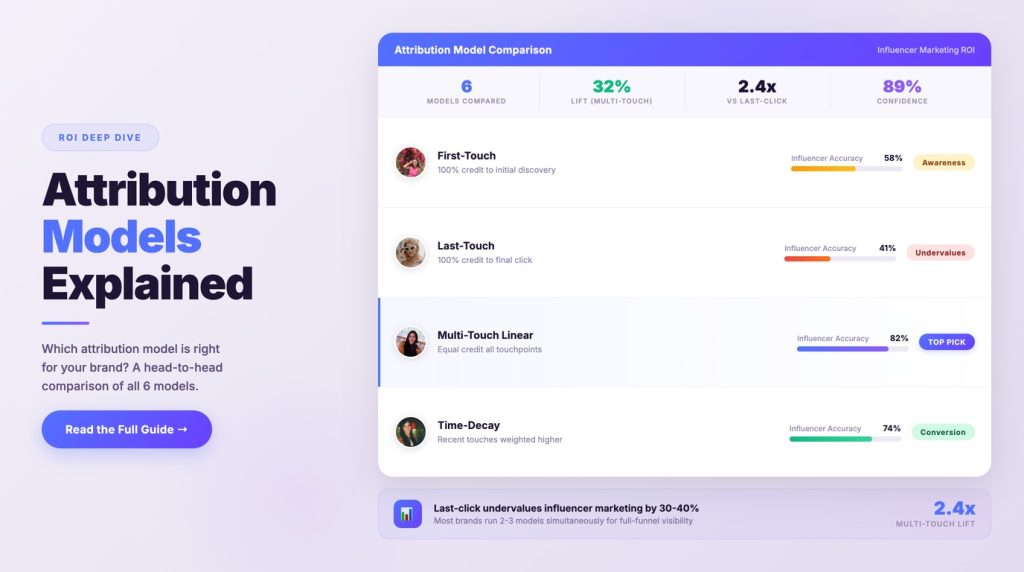
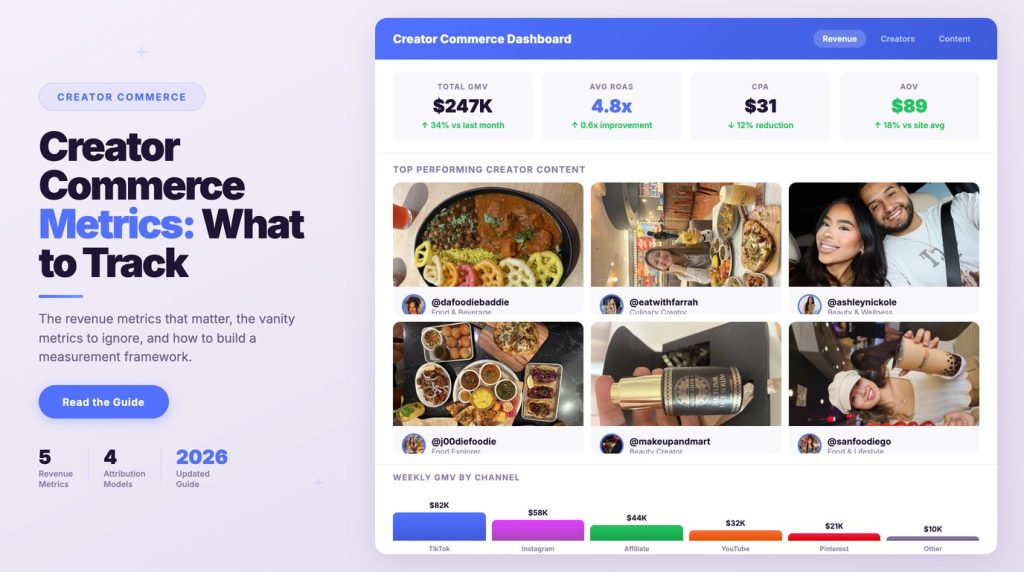
Post-stream attributed revenue, the window after the broadcast ends. On surfaces where the replay remains shoppable, a meaningful share of revenue arrives after the show. Our guides on creator commerce metrics and creator affiliate tracking cover the attribution plumbing this depends on.
The Replay Is the Asset
Most brands treat the recording as a byproduct. It is closer to the point.
A forty-minute stream contains, on average, several complete product demonstrations, a dozen real customer objections answered out loud, and a quantity of unscripted proof that a content team would need weeks to script and shoot. Plan the harvest before you stream: mark timestamps live, so the editor is not scrubbing forty minutes of footage afterward.
The replay has a direct commerce function too. YouTube's documentation states that products tagged after a live stream ends will show during replays — so a stream that was under-tagged in the moment can be corrected afterward. Amazon Live surfaces previously-live content alongside active streams. Treat "the stream ended" as a step in the workflow, not the end of it.
The clips that come out of a live session also feed the rest of the program: short-form cutdowns, product page video, and paid creative. This is the same compounding logic behind creator commerce as an operating model — the output of one activity becomes the input of the next.
Five Pitfalls That Kill Live Programs
1. Picking the platform before checking the mechanics. Choosing a surface because your audience is there, then discovering in-stream product tagging does not exist for your account, region, or format. Verify the mechanic on the platform's own documentation first.
2. Treating the host as talent rather than a role. Booking a creator with great feed content who has never held a live camera. Screen specifically for live ability.
3. No producer. One person cannot host, moderate, and merchandise at once.
4. Evaluating on a single stream. Killing the channel after its worst-ever execution.
5. Abandoning the replay. Leaving the most reusable content your brand will produce all quarter sitting untagged and unclipped.
Where partnrUP Fits
The hard part of a live shopping program is not the broadcast. It is everything surrounding it: finding hosts who can actually carry a live session, getting briefs and expectations aligned before anyone goes on camera, keeping a recurring calendar staffed, and tracking what each session produced.
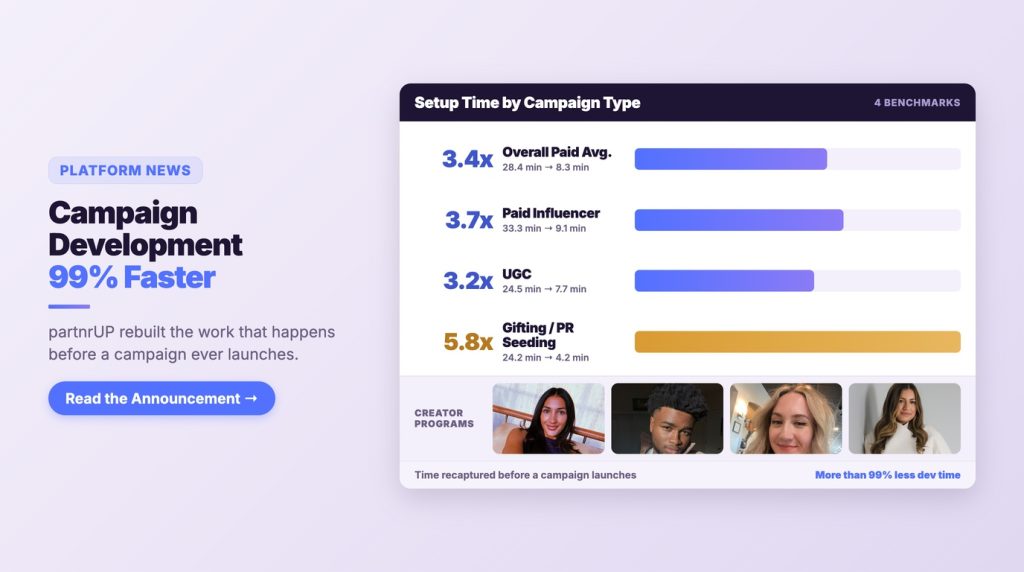
partnrUP is an influencer marketing platform built around AI agents for those workflow steps — AI influencer discovery for finding perfect-fit creators, automated recruitment and outreach, AI creative briefs, and campaign and content performance tracking in one place. For a live program, that means the roster, the brief, and the measurement all live in the same system as the rest of your creator work, instead of in a spreadsheet maintained beside it.
That is the operational complexity worth automating. The strategy — which format, which host, which cadence — stays yours.
Frequently Asked Questions
Which platform should we start with for live shopping?
Start where the commerce mechanic already exists for your account. TikTok treats LIVE as a first-class shopping format alongside shoppable video. Amazon Live places streams inside a shopping destination where viewers already have payment details on file. YouTube supports product tagging in live streams for eligible channels. If your catalog and seller setup only exist on one of those, that is your answer.
Can we still do live shopping on Instagram?
You can broadcast live on Instagram, but native product tagging during a live broadcast was discontinued on March 16, 2023. The workable 2026 approach is a live session that drives viewers to a website checkout rather than an in-stream purchase.
How long should a live shopping stream be?
Thirty to forty-five minutes is the usual working range for a product-focused session. The constraint is rarely audience patience — it is how much genuine demonstration material you have. A tight twenty-five minute show beats a padded hour.
Should we use a creator or an in-house host?
Creators bring audience and platform fluency; in-house hosts bring product depth and scheduling control. Mature programs use both — in-house experts anchoring a recurring show, creators brought in for reach and category credibility.
How often should we stream?
Often enough and regularly enough that an audience can form a habit, in a fixed slot you do not move. A single stream cannot be evaluated meaningfully, because there is no prior audience, no account history with the format, and no host experience yet.
What does a live shopping program cost to run?
The recurring costs are host fees or creator compensation, a producer for each broadcast, and whatever lighting and connectivity setup you standardize on. The cost that surprises teams is the editing time to harvest the replay — budget it up front rather than letting it quietly not happen.
Do products tagged in a live stream stay shoppable afterward?
It depends on the surface. YouTube's Help Center states that products can be tagged after a live stream ends and will show during replays. Amazon Live surfaces previously-live streams alongside active ones. Confirm the behavior on each platform you use before you assume the replay keeps selling.
Start With One Format and One Slot
Live shopping rewards repetition more than it rewards production value. Choose one platform where the commerce mechanic genuinely exists for your account, one format, one host, and one recurring slot — then run it long enough to read a trend instead of a data point.
If the constraint is finding hosts who can actually carry a live session, or keeping a recurring calendar staffed without a spreadsheet, that is the part worth handing to a system. See how partnrUP's AI agents handle creator discovery, outreach, and campaign tracking, or read our complete guide to shoppable video and social commerce for the broader strategic picture.