

.png)



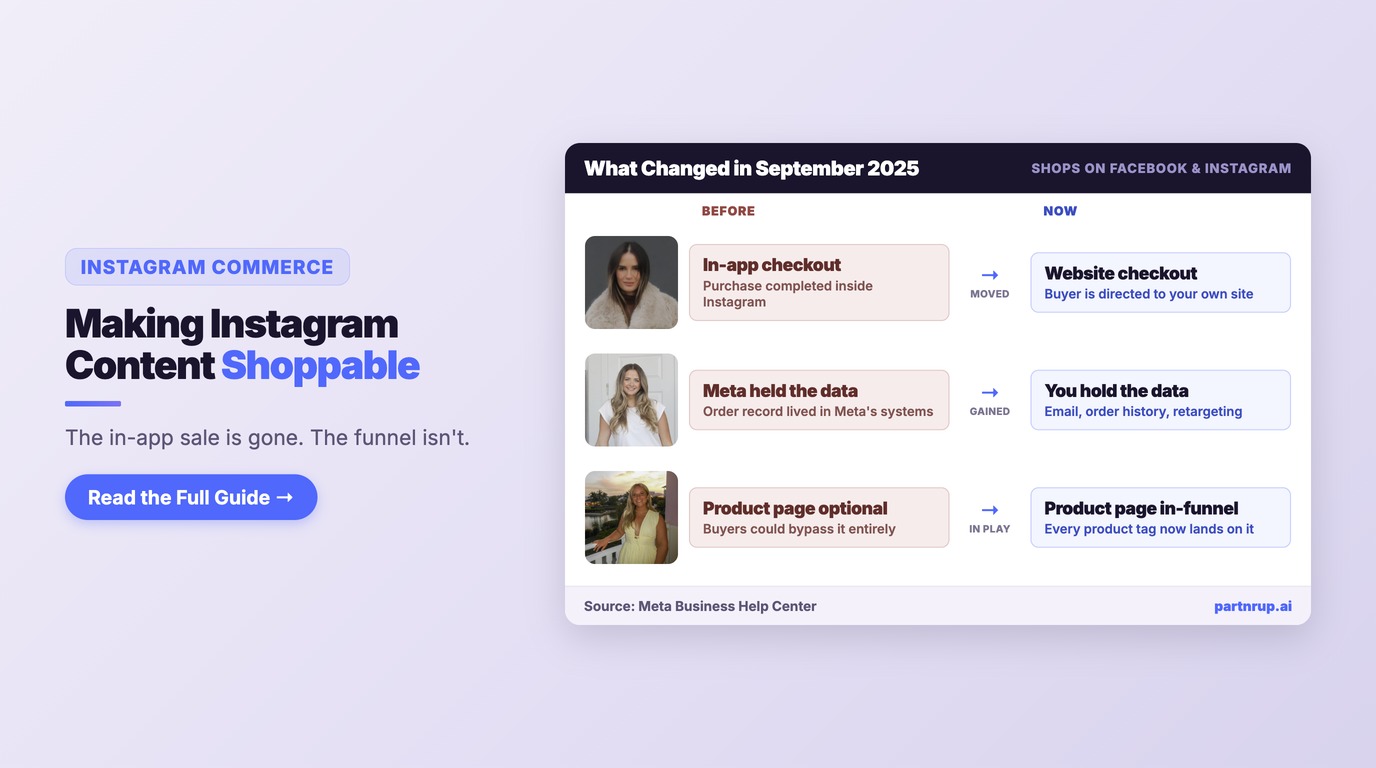
US social commerce sales will surpass $100 billion for the first time in 2026, according to eMarketer. That number gets quoted in a lot of strategy decks to argue that social platforms are becoming stores. On Instagram specifically, the opposite happened: in September 2025 Meta moved Shops on Facebook and Instagram to website checkout, and the in-app checkout that the "social platforms are stores" thesis depended on is gone.
So "making Instagram content shoppable" in 2026 means something different than it did two years ago. It no longer means closing the sale inside the app. It means using Instagram's discovery surfaces — product tags in Reels, Stories, and feed posts — to move a buyer from inspiration to your own product page with as little friction as possible, and keeping the customer record on your side of the transaction.
That is a narrower job than "sell on Instagram," and it is a more achievable one. This guide covers the eligibility and setup work, the mechanics of product tagging across content types, how to get creators tagging your catalog, and the measurement and pitfalls that come with a split funnel.
Table of Contents
- What Actually Changed in September 2025
- Eligibility: What Meta Requires Before You Can Tag Anything
- Setup: Catalog, Checkout URL, and Permissions
- Product Tagging Across Content Types
- Getting Creators to Tag Your Products
- Measuring a Split Funnel
- Five Pitfalls That Derail Instagram Commerce Programs
- Frequently Asked Questions
What Actually Changed in September 2025
Meta's Business Help Center states it plainly: "As of September 2025, Shops on Facebook and Instagram now use website checkout. If your shop used checkout on Facebook or Instagram, the checkout method has been updated or your shop is invisible."
Read that second clause carefully, because it is the part that catches brands. A shop that was running native checkout and never got migrated is not degraded — it is invisible. If your Instagram shop stopped producing anything in late 2025 and nobody could explain why, this is the first place to look. Meta's guidance is that shops managed in Commerce Manager which have not yet moved to website checkout require manual action, including creating a checkout URL.
What survives is the discovery layer. Meta describes shops as retaining "rich discovery and consideration surfaces like the home page, collections and product pages," with customers "now directed to your own website to complete the purchase." Meta frames the tradeoff as giving brands "more control of the checkout experience" and reducing setup and maintenance time.
Two consequences follow, and both are strategically useful rather than merely limiting:
You own the customer record. When the purchase completes on your site, you get the email, the order history, and the ability to retarget and build lifetime value. Native in-app checkout never gave you that cleanly. The brands that treated Meta checkout as a convenience were renting their customer relationships.
Your product page is now in the funnel. Previously a weak product page could be bypassed entirely. Now every Instagram product tag lands on it. A beautiful Reel pointing at a slow, poorly-photographed product page will underperform, and the Reel will get blamed.
Meta also discontinued management of the post-purchase experience in Commerce Manager, and checkout-related metrics for purchases occurring on Meta technologies no longer apply. If your reporting still references those, it is measuring something that no longer happens.
For the wider context on how this fits into social commerce generally, our complete guide to shoppable video and social commerce covers the cross-platform picture, and social commerce vs traditional ecommerce frames the channel against your core store.
Eligibility: What Meta Requires Before You Can Tag Anything
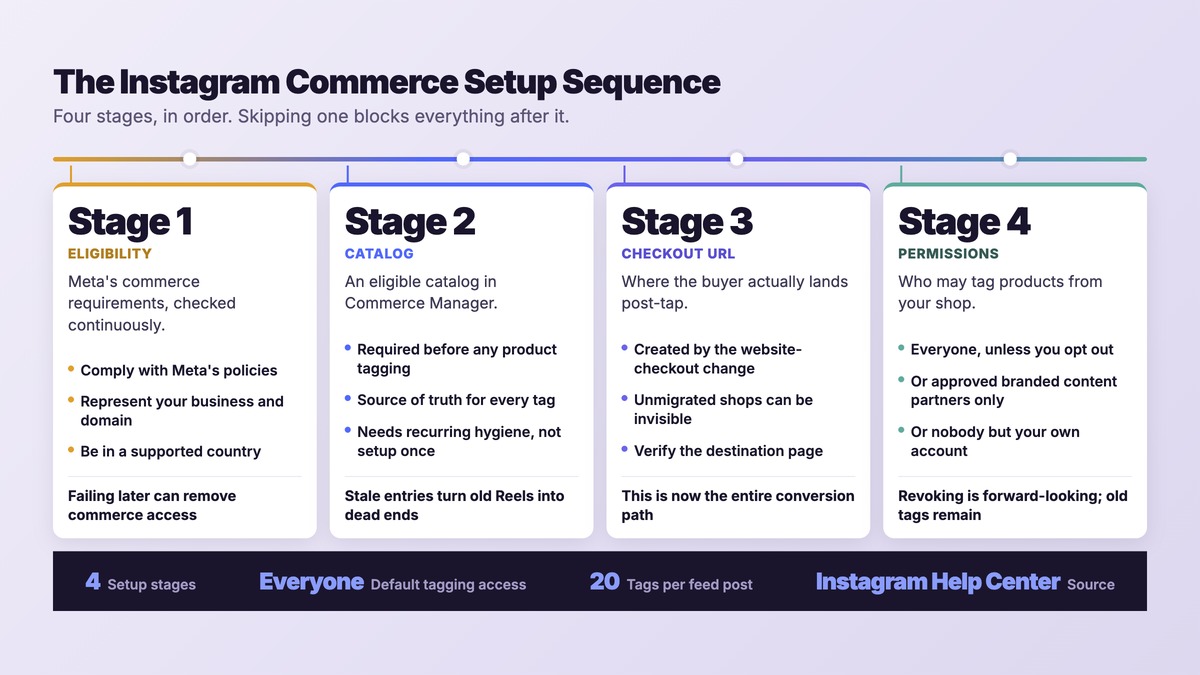
Before any of the tactics matter, your account has to qualify. Instagram's Commerce eligibility requirements page lists five conditions for selling on Facebook and Instagram as a business. Your Facebook account and Page, or your Instagram professional account, must:
- Comply with Meta's policies
- Represent your business and your domain
- Be located in a supported country
- Demonstrate trustworthiness
- Provide accurate information and follow best practices
Instagram adds a warning worth taking seriously: "Failure to satisfy these requirements at any time may lead to loss of access to Facebook commerce surfaces, Commerce features, or may lead to your account being disabled." These are continuous conditions, not a one-time gate. A policy problem eighteen months into a healthy program can remove your commerce access.
The "represent your business and your domain" requirement is the one that interacts with the checkout change. Under website checkout your domain is load-bearing — it is where the transaction happens — so domain ownership and consistency between your catalog and your site matter more than they used to.
There are also per-account conditions for the people doing the tagging. Instagram states that if you are 13 or older with a qualified public account, you can tag products if your account "is active over the past 30 days and has no more than 2 policy violations," or if a business has approved you as a branded content partner with permission to tag. Separately, Instagram notes that accounts tagging products "must have an active account, be over the age of 18, and not have been reported for repeated Instagram policy violations."
Those two statements come from different Instagram help pages and state different age thresholds for different situations, so confirm the current requirement for your specific market and account type in Commerce Manager rather than relying on a single number.
Setup: Catalog, Checkout URL, and Permissions
Three pieces of configuration do most of the work.
An eligible catalog
Instagram is explicit: "You'll need an eligible catalog in your Commerce Manager before you can tag products." The catalog is the source of truth for every tag you or a creator will ever place. Products that are mistitled, missing images, or out of stock in the catalog produce dead or confusing tags on content that may run for months.
Because tagged content has a long tail — a Reel can resurface and drive traffic long after publication — catalog hygiene is a recurring task, not a launch task. An out-of-stock product tagged in a popular Reel is a steady leak.
A checkout URL
This is the piece created by the 2025 change. Meta notes that shops managed in Commerce Manager that have not yet updated to website checkout need to take action, including creating a checkout URL. Verify where your tags actually land — product page, cart, or a generic storefront — because that destination is now the whole conversion path.
Tagging permissions
Instagram's permissions model has three settings, reachable via profile → Menu → Business → Shopping → Product tags:
- Allow product tags from everyone — anyone on Instagram can tag products from your shop
- Allow product tags from only your branded content partners — restricted to accounts you have approved
- Don't allow product tags — only you can tag products from your shop
The default matters: Instagram states "Everyone can tag products unless you opt out." If you have never touched this setting, your catalog is open to tagging by anyone. That is often a benefit — Instagram pitches it as driving "increased distribution of your products when people tag products they love" — but it is a decision you should make deliberately rather than inherit.
One asymmetry to know before you tighten permissions: if you remove a partner from your approved list, Instagram says "All existing product tags and stickers remain on their posts and stories." You have to delete those tags separately. Revoking permission is forward-looking only.
Product Tagging Across Content Types
Instagram describes shopping tags as featuring "products from your catalog, collections or promotions" and directing "customers to purchase those products from your website or the Instagram app." They can be added to "Instagram Reels, Stories, image and video posts."
The documented tag limits for feed content: up to 20 products and shops in a photo feed post, and for a carousel — "a single post with up to 10 photos and videos" — a total of 20 tags across all media items. Tags can be added to both new and existing posts, which is the most underused capability in this entire feature set. You have a back catalog of content that already performed, and you can make it shoppable retroactively.
Two constraints deserve flagging because they quietly break plans:
Reels tagging has a catalog caveat. On adding products to reels so people can shop directly from them, Instagram notes: "This applies only to legacy shops catalogs." If your Reels plan assumes universal product tagging, verify it against your own catalog type before building a content calendar on it.
External platform tagging is feed-only. Instagram states you can use an third-party platform to tag products in feed posts, "but you can't add product tags on Instagram Stories, Reels and mentions." If you manage inventory through a partner platform, Stories and Reels tagging has to happen natively in the app — which has staffing implications when creators are producing most of your video.
Also note what went away: Instagram says "While you're no longer able to add product mentions and hyperlinks in captions and profiles, any product mentions in captions and profiles you've previously added will still appear. Hyperlinks that were added are removed." Caption-link strategies from older playbooks no longer work.
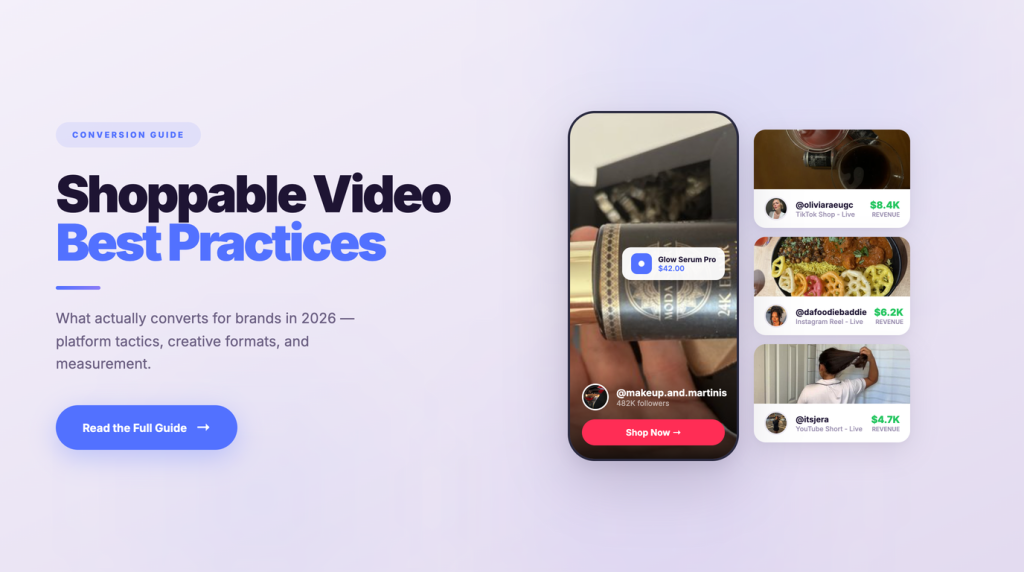
For guidance on which video formats earn the tap in the first place, shoppable video best practices covers format-level performance.
Getting Creators to Tag Your Products
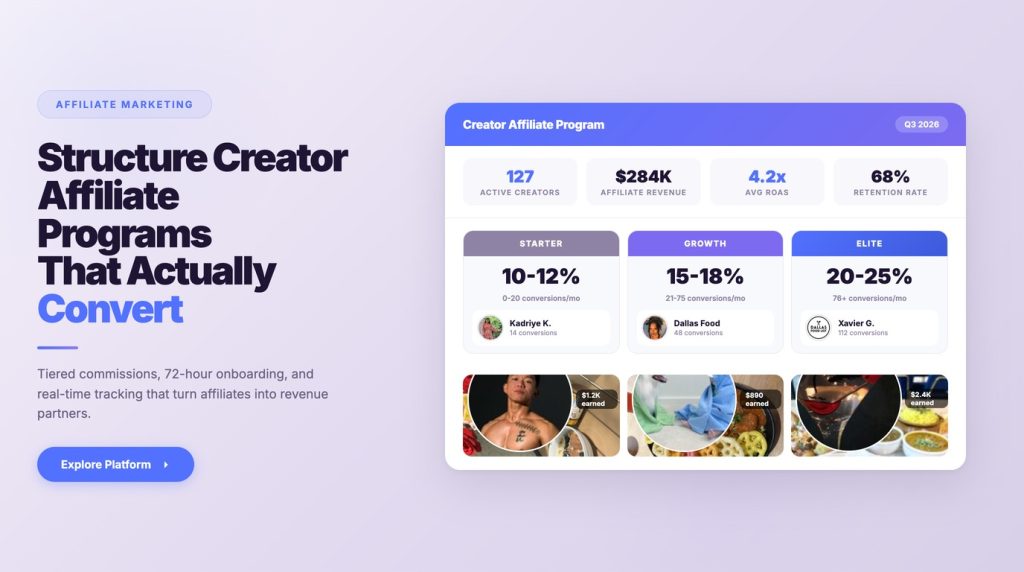
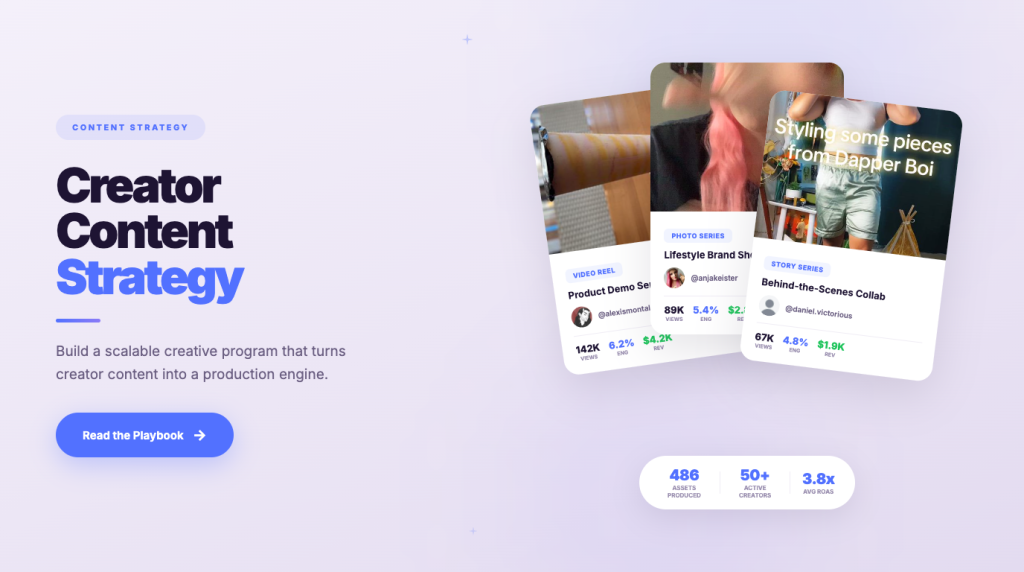
Brand-published tags are the floor. The leverage is in creator content, where the product appears inside something a buyer already trusts. Instagram makes the rationale explicit: "By enabling people to tag products from your brand in their Instagram post or story, shoppers can find products more easily from people that they trust."
The approval flow is specific. Instagram's documented path: profile → Menu → Business → Shopping → Product tags → "Allow product tags from only your branded content partners," then back to Business → Branded content → "Approve content creators" and find the creator's handle. Instagram notes that once added, "they can tag products the same way as your Instagram account."
From the creator's side, Instagram directs them to confirm in Account settings that they have been added as a branded content partner with permission to tag. When a creator says tagging is unavailable, this is the first thing to check — it is usually a permissions state, not a bug.
There is a measurement benefit buried in the permissions documentation. Instagram states that insights from partners "are available in Instagram and can be downloaded by the business account until the product or tag is removed," and that if a business removes an approved partner, "they can still see insights about the photo or video unless the post is deleted or the product tag is removed." Creator-tagged content is therefore reportable to you, with a dependency: the insight lives as long as the post and tag do. Export rather than assume permanence.
Platform choice is worth a sanity check against where brands are actually putting money. In the Influencer Marketing Hub 2026 Benchmark Report, Instagram's selection incidence "rises most clearly among brands increasing investment (20%), but is lower for first-time testers (13%) and especially low among reducers (6%)." Instagram is where brands scaling up are leaning in, which is a reasonable signal for a commerce program but not a reason to skip the fit question for your category.
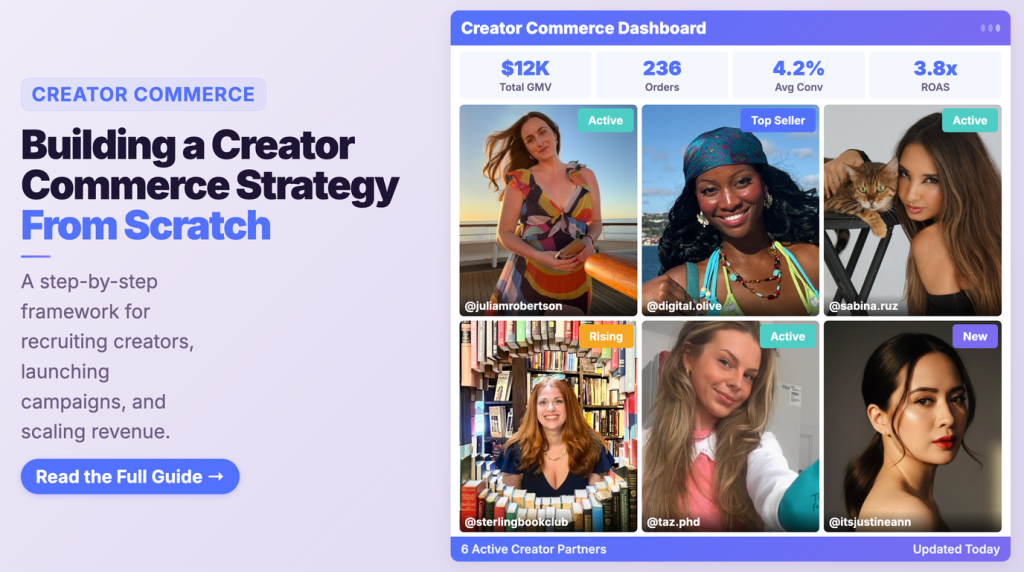
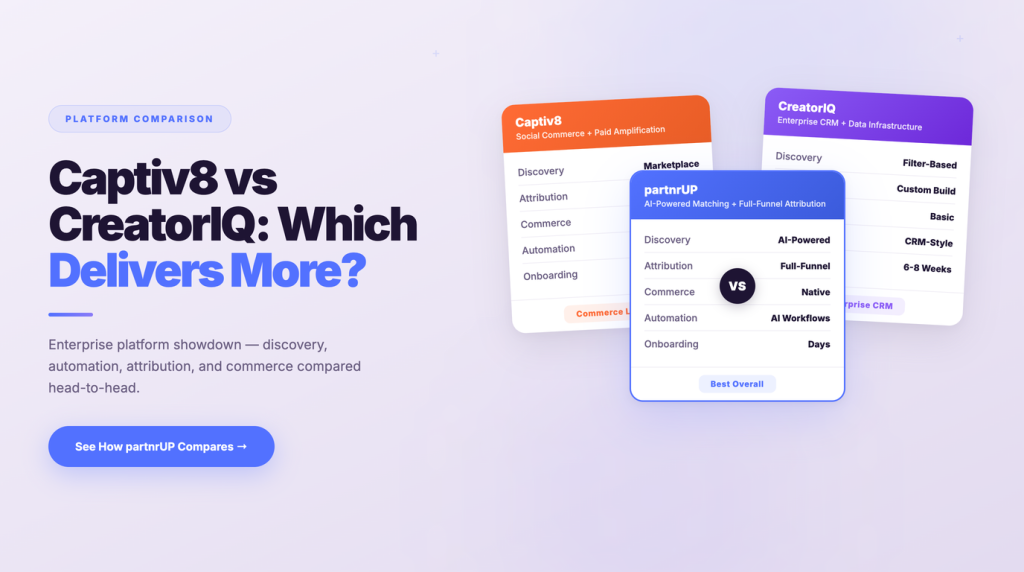
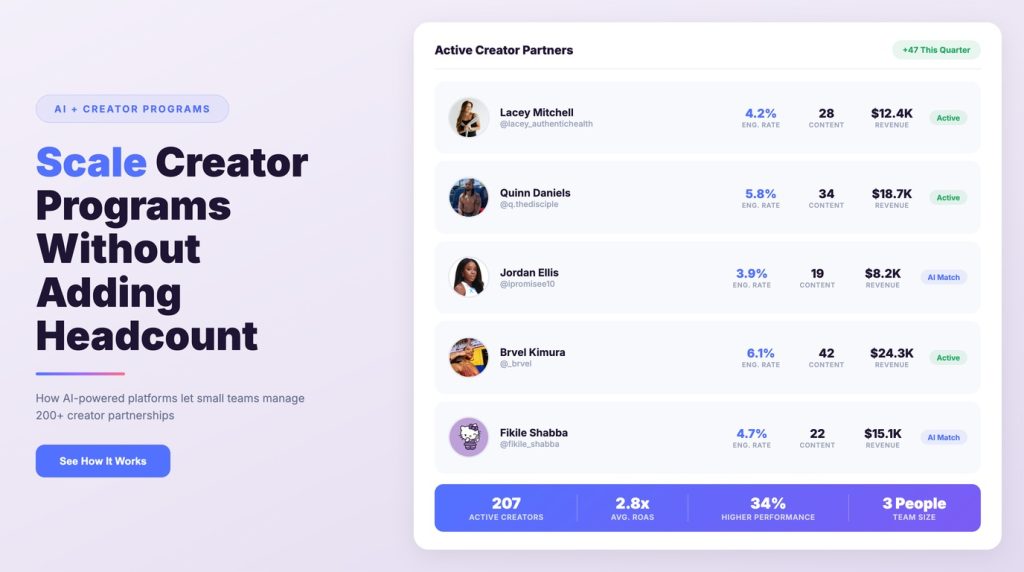
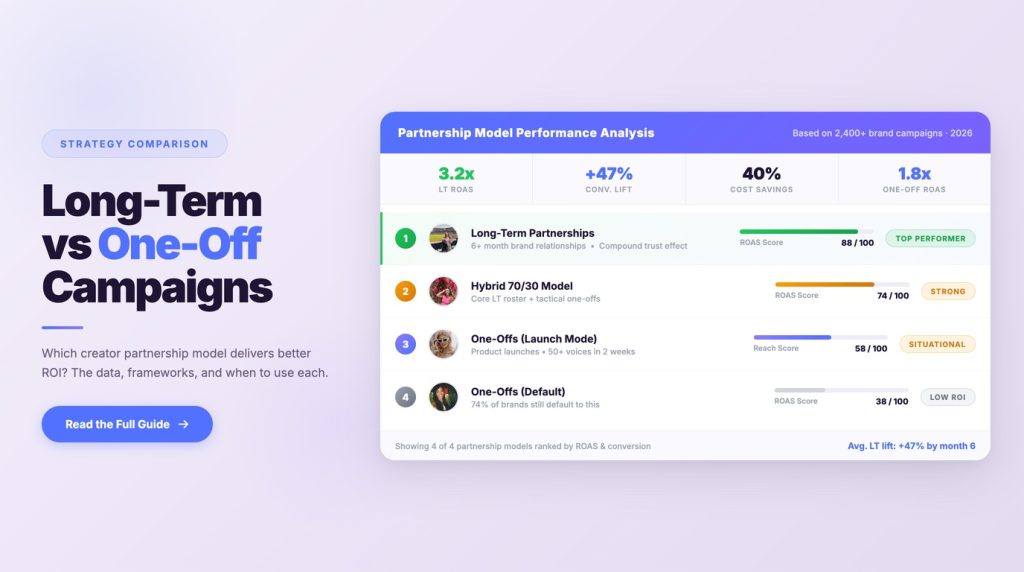
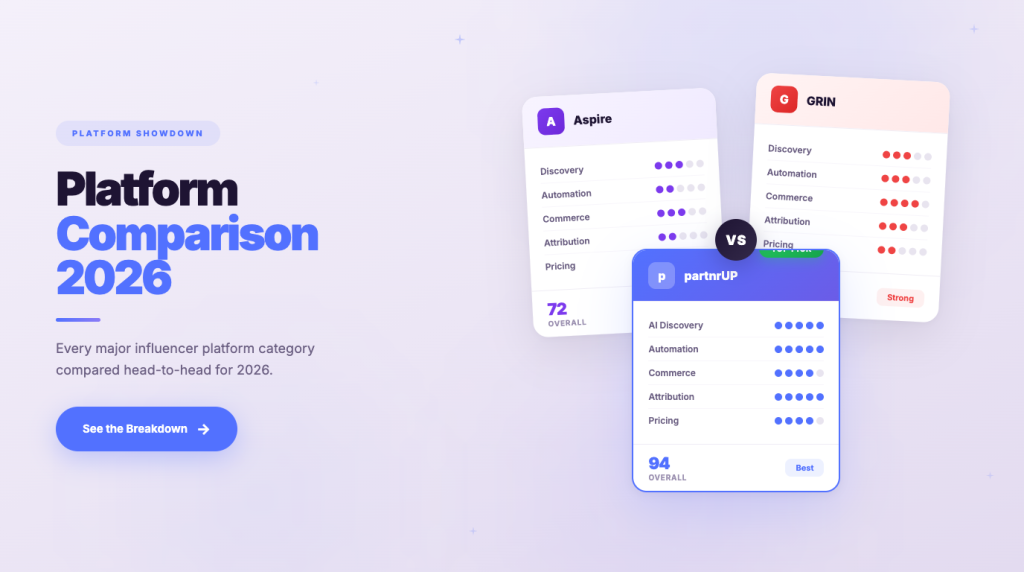
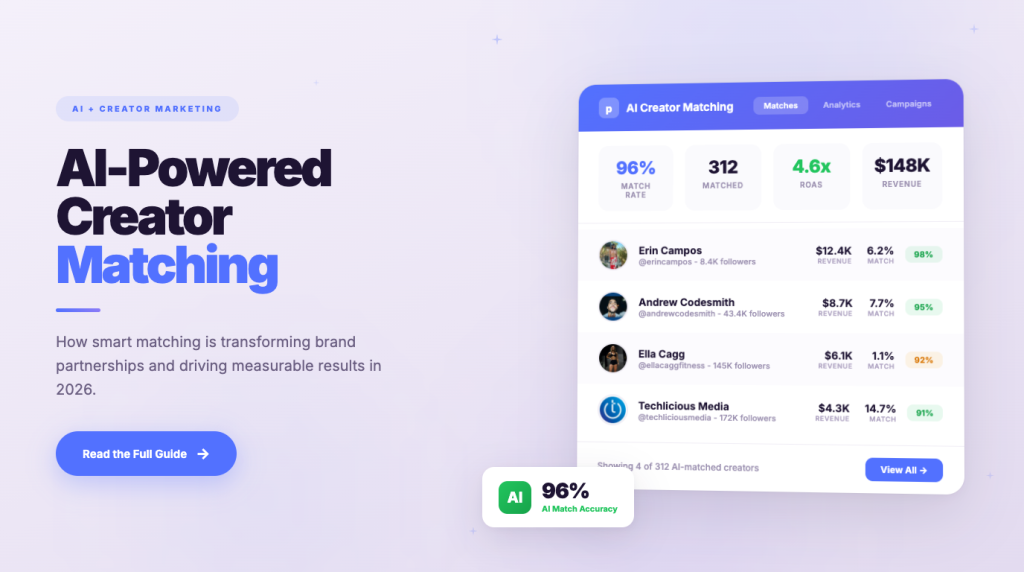
Matching creators to a commerce program is a different selection problem than matching for reach — you are looking for people whose audience buys, not just watches. partnrUP uses AI-powered creator matching and automated tracking to handle that operational layer, which is where most of the time goes once a program has more than a handful of partners. For the creative side of the handoff, how to write a creative brief for creator campaigns covers briefing, and building a creator commerce strategy from scratch covers program structure.
Measuring a Split Funnel
Website checkout splits your funnel across two systems. Instagram shows the impression and the tap; your site shows the session and the order. Nothing automatically joins them.
Build the measurement around that seam:
Instagram-side signals. Product tag impressions and taps, saves, and per-post insights — including for approved creator posts, while the post and tag exist.
Site-side signals. Landing page sessions from Instagram referral, add-to-cart rate, and completed orders. Because checkout now happens here, your own analytics hold the revenue truth. That is a reporting improvement over the native-checkout era, where revenue sat in Meta's systems.
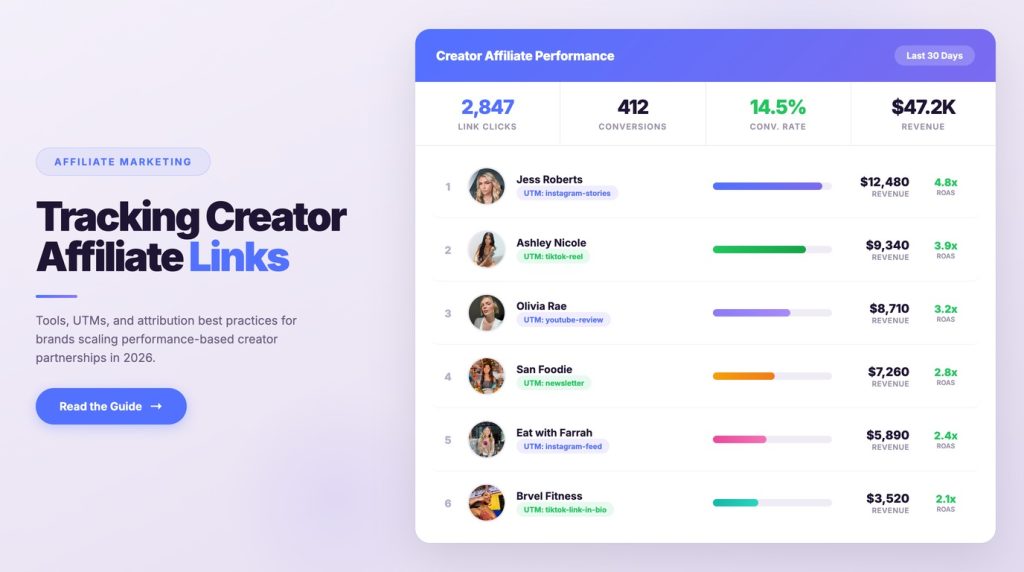
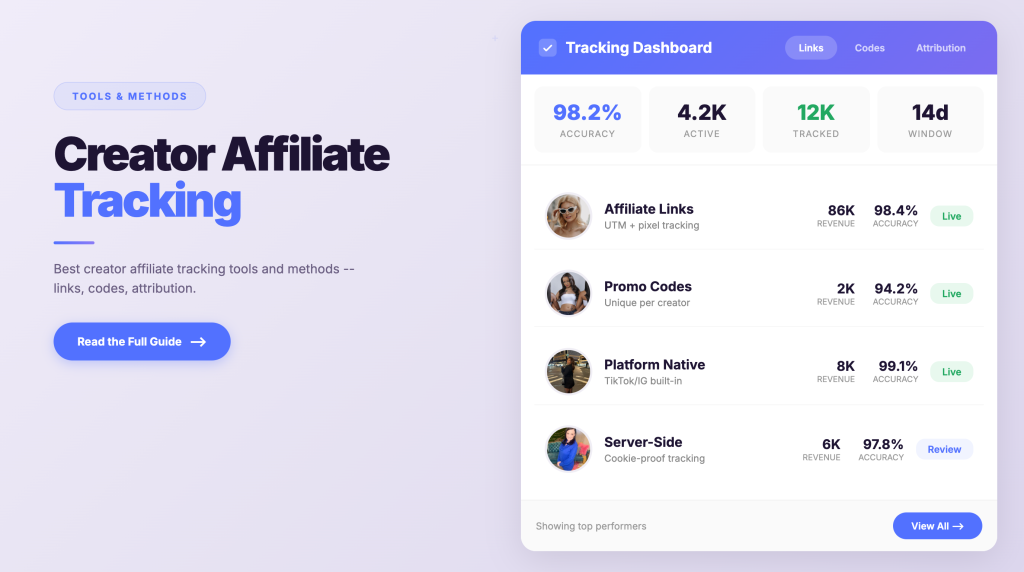
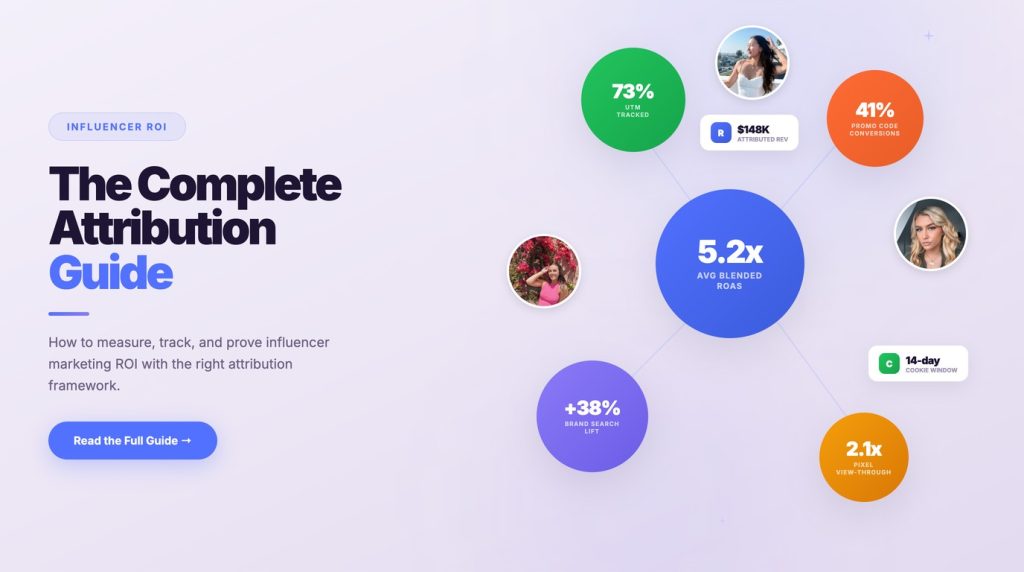
The join. UTM parameters on checkout URLs and creator-specific links are what connect tap to order. Our guides on tracking creator affiliate links with UTMs and attribution and influencer marketing ROI attribution cover the mechanics.
Expect leakage regardless. A buyer sees a Reel, does not tap, and searches your brand two days later on a laptop. Instagram gets no credit and your analytics record a direct or organic visit. Google's own GA4 documentation defines the Direct channel as traffic where users arrive via a saved link or by entering your URL — which is exactly what that buyer looks like. This is a structural property of social discovery, not a tracking failure, and it is why survey-based attribution ("where did you first hear about us?") earns its place next to click data.
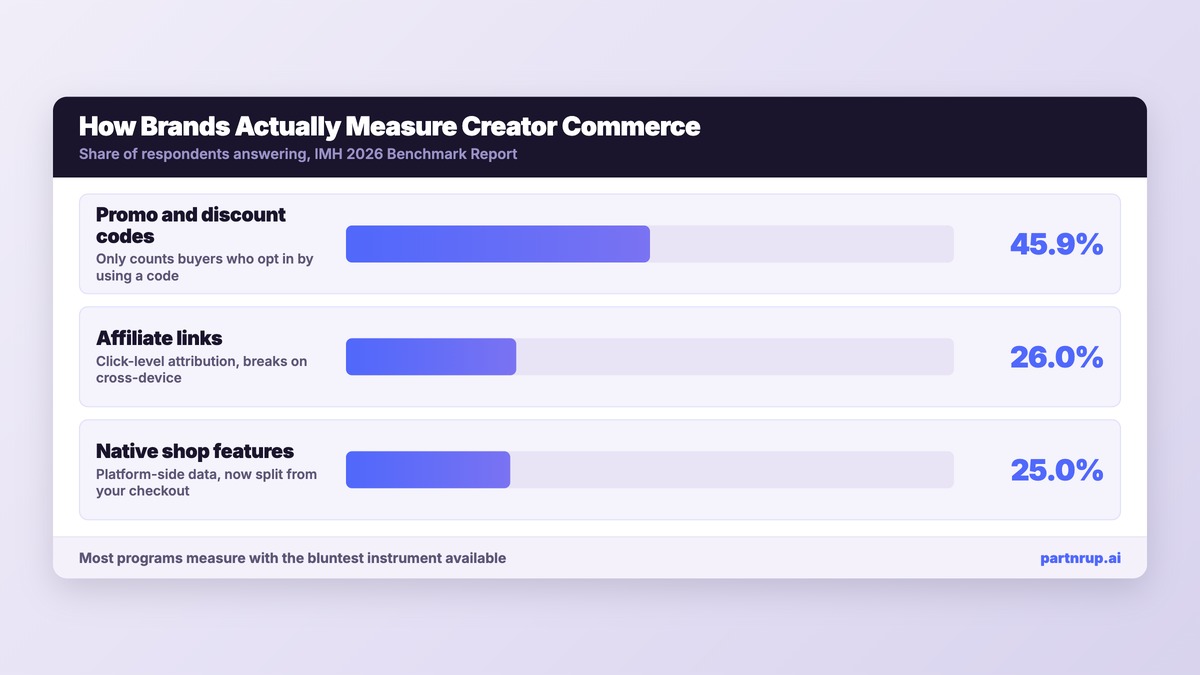
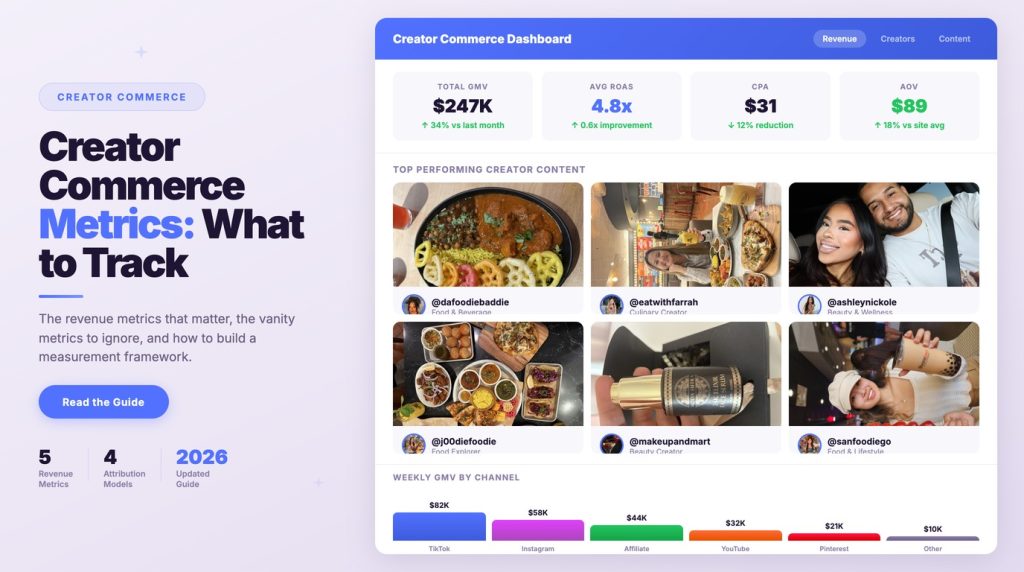
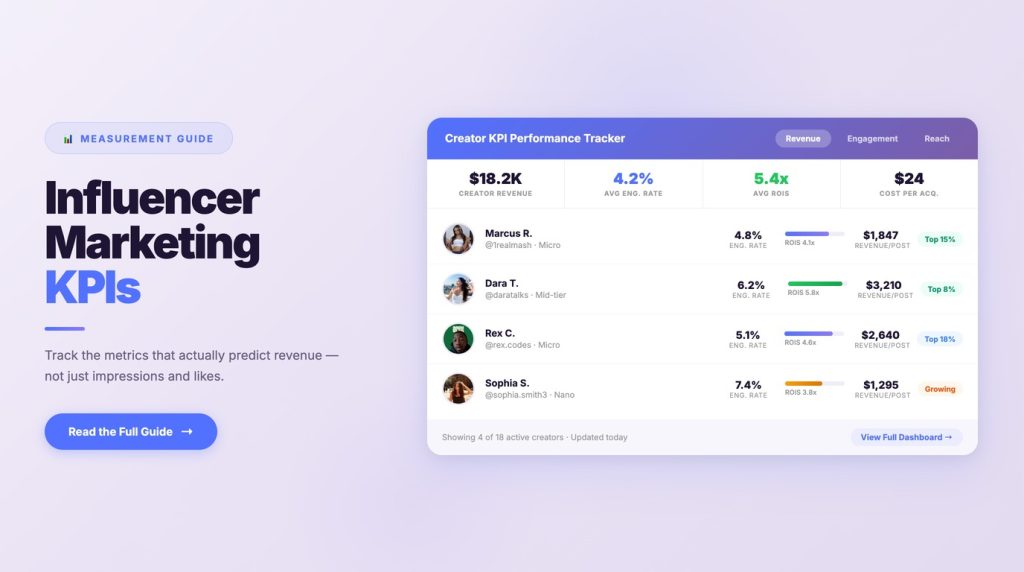
One industry-wide caution on measurement maturity: the IMH 2026 Benchmark Report finds promo and discount codes lead measurement adoption at 45.9% of those answering, followed by affiliate links at 26.0% and native shop features at 25.0%. Most programs are measuring with the bluntest available instrument. On which creator commerce metrics to track and which to ignore, we argue code-only measurement systematically undercounts, because it only captures buyers who opted in by using a code.
Five Pitfalls That Derail Instagram Commerce Programs
1. Still planning around in-app checkout. Playbooks, agency decks, and vendor materials written before September 2025 assume a conversion path that no longer exists. If a plan promises in-app purchase completion on Instagram, it is out of date.
2. An unmigrated shop sitting invisible. Meta's language is that a shop on the old checkout method was updated or is invisible. Brands lose months to this because an invisible shop looks like weak demand rather than a configuration problem.
3. Inheriting the open-tagging default. Everyone can tag unless you opt out. Fine if intentional, bad if discovered when an unexpected account tags your catalog.
4. Catalog rot on long-tail content. Tagged Reels keep circulating. Products that go out of stock or get retitled turn high-performing content into dead ends.
5. Blaming creative for product page problems. With every tag now landing on your site, product page speed, imagery, and mobile checkout determine whether a strong Reel converts. Teams that only review Instagram-side metrics will fire the creative and keep the broken page.
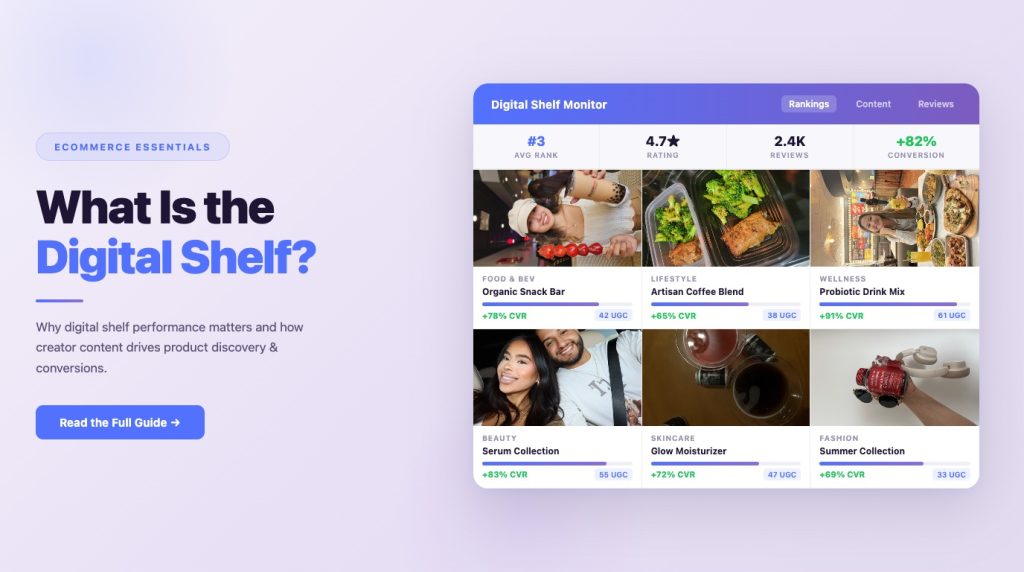
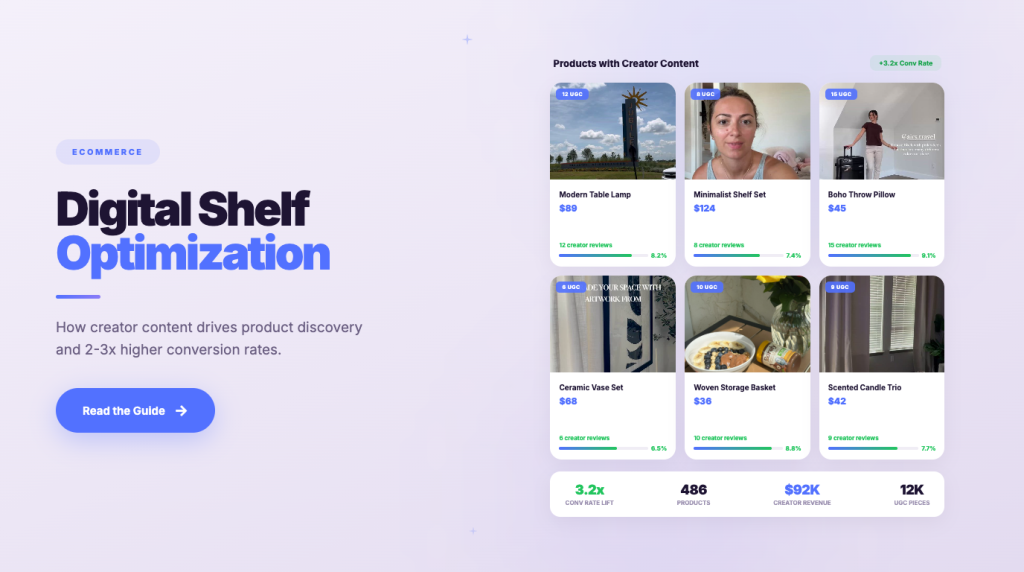
For how product pages and creator content reinforce each other, see digital shelf optimization with creator content.
Frequently Asked Questions
Can customers still check out inside Instagram?
No. Meta's Business Help Center states that as of September 2025, Shops on Facebook and Instagram use website checkout, and customers are directed to your own website to complete the purchase.
How many products can I tag in one post?
Instagram documents up to 20 products and shops in a photo feed post. A carousel of up to 10 photos and videos can carry a total of 20 tags across all media items.
Can I make existing posts shoppable?
Yes. Instagram states you can tag products in both new and existing posts, so previously published content can be made shoppable retroactively.
Do I need to approve creators individually before they tag my products?
Only if you restrict permissions. Instagram's default is that everyone can tag products unless you opt out. If you select "Allow product tags from only your branded content partners," you approve creators via Business → Branded content → Approve content creators.
What happens to a creator's product tags if I remove their permission?
Existing tags and stickers remain on their posts and stories. Instagram notes you must delete those product tags separately to remove them.
Why can't my team tag products in Stories and Reels from our inventory tool?
Instagram states that third-party platforms can tag products in feed posts but cannot add product tags on Stories, Reels, and mentions. Those have to be tagged natively in the app.
Can I see performance data for creator-tagged posts?
Yes. Instagram states insights from partners are available and can be downloaded by the business account until the product or tag is removed — so export regularly rather than relying on in-app history.
Where This Leaves Your Instagram Strategy
Instagram's commerce surface is now a discovery and consideration engine that hands buyers to your website. The in-app sale is gone; the customer record and the checkout experience came back to you. That is a better trade than it first appears, provided your product pages and your tracking are built for it.
The work splits cleanly: get eligibility and catalog right, set tagging permissions deliberately, bring creators in as approved partners, and instrument the seam between tap and order. The brands that struggle are usually running a 2024 playbook against a 2026 platform.
If the operational side is the bottleneck — finding creators whose audiences actually convert, briefing them, approving them for tagging, and tracking what each one drives — that is the layer partnrUP automates. See how partnrUP matches brands with creators, or read the complete guide to shoppable video and social commerce for the full cross-platform picture.


.jpg)



.webp)



.jpg)
.webp)












.png)


.png)




.png)


.png)